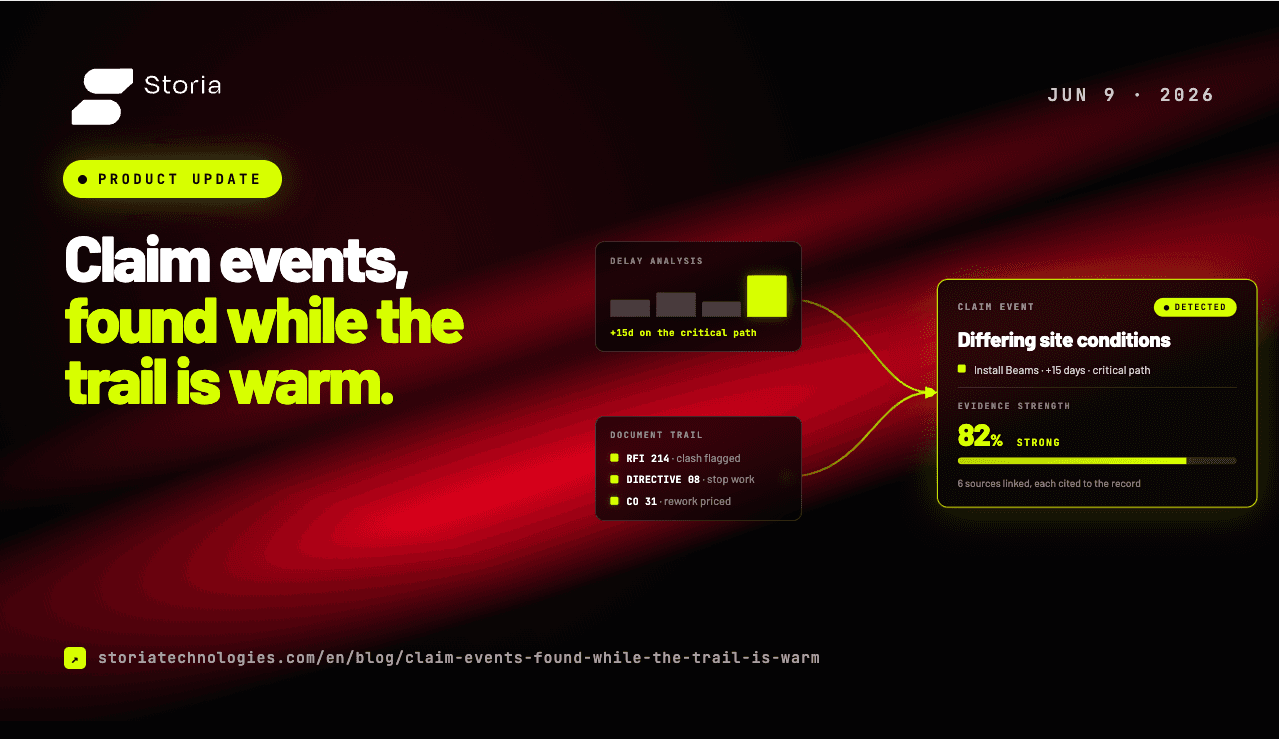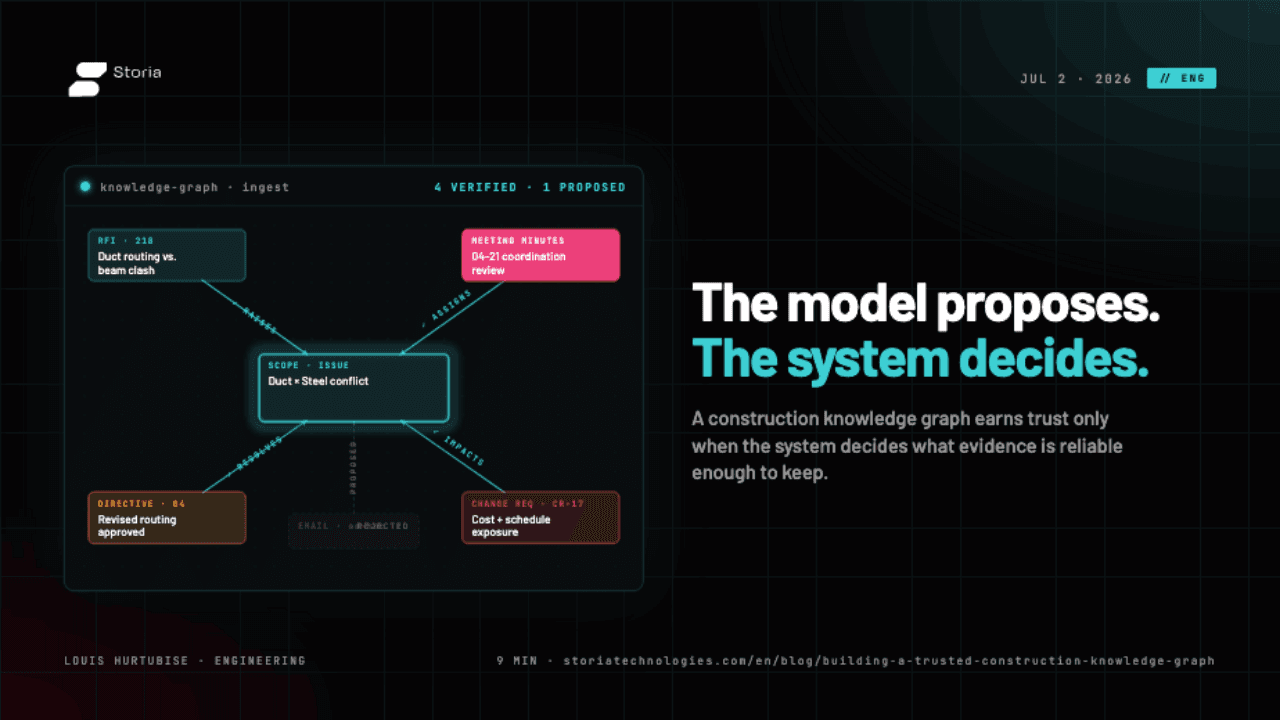
A lot is new in Storia, and most of it lands on the same thing: shrinking the distance between a question and a defensible answer. The Impact Map got sharper. Document matching got smarter. Claim numbers got more accurate. Source links got faster. And the chatbot now knows what you are looking at.
Here is what changed, and why it matters on a real project record.
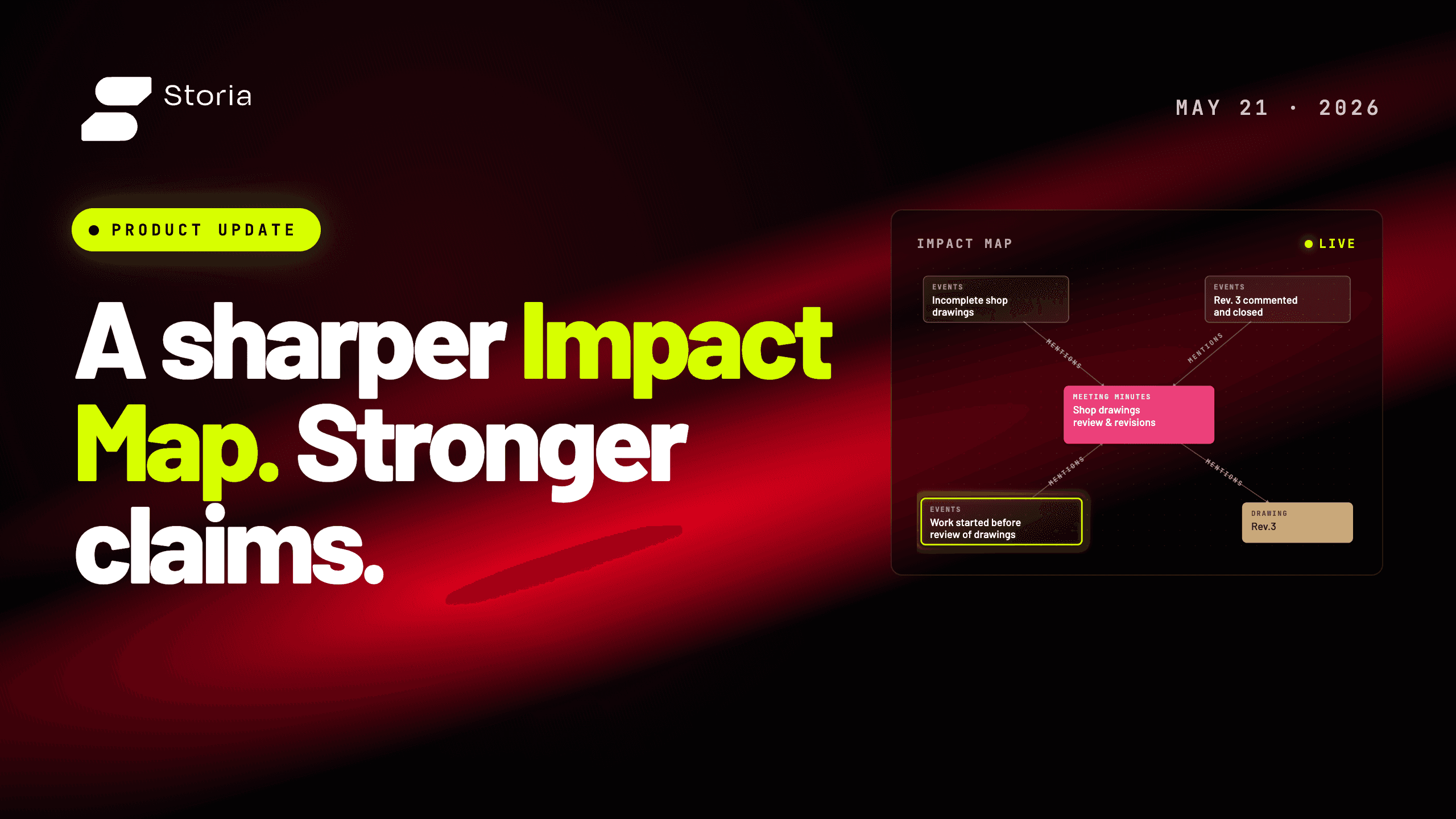
A sharper Impact Map
Open the Impact Map and start a search, and it will now suggest the people, locations, systems, and work packages worth investigating. You pick one and pivot, instead of guessing the right phrase for an empty box.
The search itself is also more accurate. Two ways of describing the same thing are treated as the same thing more often, and the related items that come back are actually related, not just nearby in the record.
The bigger change is that you can search by issue and see how issues connect. If a delay involves a late submittal, a downstream design clarification, and a revised installation sequence, those used to be three threads you chased one at a time. They now appear as a connected set, with the links between them visible. You can start from any one and walk to the others.
The hard part of a delay claim has never been finding documents. It has been showing how the documents relate.
Smarter document matching
Matching a document to a schedule activity used to lean on word overlap. Did the document mention the activity name, the work package, the dates. That works when the project record is tidy. It breaks the moment a submittal calls a system by its trade name and the schedule uses a contract abbreviation, or when an RFI describes a location by floor and grid while the activity is named by zone.
The new matcher pulls out what each side is actually about: location, scope, systems, discipline. It then scores documents and tasks on those, not on word similarity.
| The old way | What changed |
|---|---|
| Match on words shared between the document and the activity name | Match on what each side is about: location, scope, systems |
| One missing keyword breaks the link | A document and a task can match strongly on scope even when the vocabulary differs |
| The score is hard to interpret | You can see which features lined up, and why |
The result is a matcher that holds up on the project records you actually have, not just the clean ones. It also makes the reason for each match visible, which is the same quality that makes it defensible later.
More accurate claim numbers
The Claim Agent, which drafts the analytical backbone of a claim, produces better numbers this release. Impact day counts and schedule delay calculations have been tightened, and we have put significant effort into validating outputs across the claim workflows end to end.
The practical effect is fewer moments where the draft and the underlying record disagree, and less manual cross-checking before a number is ready to defend.
One-click source links
Timeline reports now link directly to the corresponding pages in PMIS and Aconex. When a report references a document, you no longer search for it in the source system. You click through.
It is a small change in the interface and a large change in how the work feels. The trip from "this looks important" to "here is the original" used to be a minute of context-switching. Now it is one click.
Page-aware chat
Two updates to the in-product assistant. The first is stability. The second is that the assistant now reads the page you are looking at, in an early form, so you can ask questions grounded in what is in front of you rather than the project as a whole. Ask about a specific RFI while you are looking at it and the answer is about that RFI.
This is an MVP, so the surface is still narrowing in. The direction matters more than the current edges. An assistant that shares your context is a different tool than one that does not.
What's next
A filter for document type, so you can narrow a search to RFIs, submittals, transmittals, or correspondence directly, is built and will land in the Impact Map in an upcoming release.
The throughline across all of this is the same one Storia has been building toward. A project record where the way you ask a question matches the way the work actually happened, and where every answer points back to the source it came from.
Fabrizio Rodin-Miron is a software engineer at Storia. Reach out at info@storiatechnologies.com if you want to walk through any of these changes on your project record.