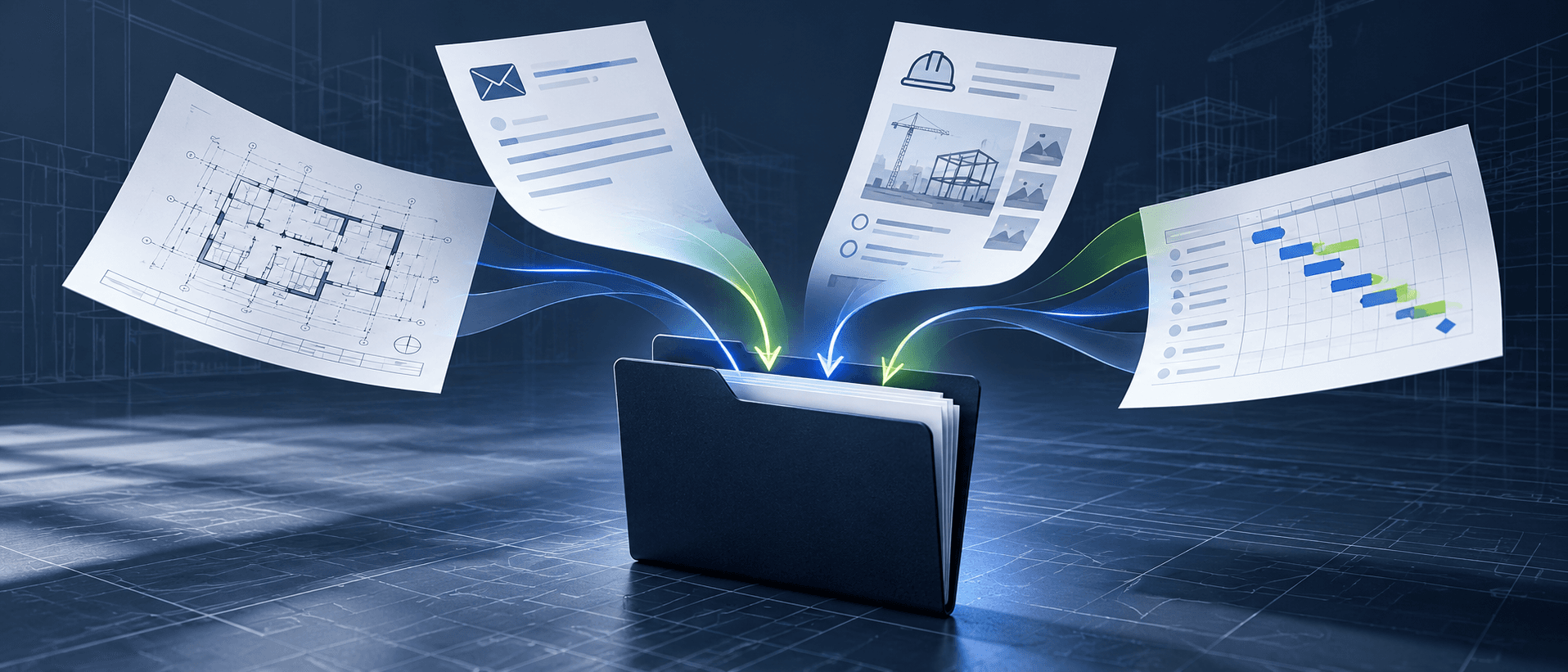
Construction claim documents rarely sit in one place. The RFI, daily reports, correspondence and schedule updates that explain a delay or change can arrive weeks apart and end up in different parts of the project record.
When the claim needs review, someone has to find those records again and bring them together. The usual advice is to open a claim file as soon as an issue appears and add records as they arrive, instead of reconstructing the file months later. Storia Collections gives that file a place to live: a named set of documents you build as the issue develops and return to later.
What documents support a construction claim?
The right records depend on the event and the contract, but most delay and change claims draw on the same core set. The last column is where claim files most often fall short.
| Record | What it shows | Common gap |
|---|---|---|
| Contract and notices | The clauses that apply, and what notice was sent, to whom and when | Notice buried in a monthly report or meeting minutes instead of served as a notice |
| RFIs and responses | When a problem was raised and what information followed | A log without response dates, so response time cannot be shown |
| Daily reports and site diaries | Work, resources and site conditions on the affected days | Written days later, or missing for the days that matter |
| Instructions, change orders and correspondence | Decisions, responses and steps taken to address the issue | Verbal instructions never confirmed in writing |
| Meeting minutes | What was discussed and agreed while the issue was live | Minutes never circulated or agreed |
| Schedule updates | The baseline and each statused update, in native format | PDFs only, or logic changes with no narrative |
| Weather records | Measured conditions on the affected days, from an official source | Site impressions instead of data compared with a normal year |
| Mitigation records | Steps taken to reduce the delay, such as resequencing or added crews | Mitigation done but never written down |
| Photos and cost records | Site conditions on the day, and the time and cost the issue consumed | Undated photos, or costs not tied to a specific event |
This is a typical set, not a complete claim package. For the full list and the other elements of an extension-of-time claim, see the claim readiness checklist and the guide to records and evidence.
Keep one construction claim file per issue
A Collection brings together the documents you select for a particular piece of work. It might cover a delay event, a change order, an RFI or a handover package. As you find relevant records, add them to the Collection, so the next review starts from what is already gathered.
The value is not just a shorter list. It is the ability to return to the same set when the question comes up again, instead of rebuilding it from memory. Starting early also matters: records made at the time carry more weight than records found later, and claims are often won or lost in the daily report.
How to create a Collection in Storia
- In Search & Discovery, open Collections and select New collection.
- Name it after the issue, for example "EOT Install ductwork", and add a short description of the event.
- Add the relevant documents as you find them, and keep adding as new records arrive.
- Inside the Collection, search, filter and choose columns to review the set by date, type, status and author.
- When the set is ready for review, select Create claim draft to start a claim draft from its documents.
Example: organizing claim documents for a ductwork delay
The Collection in the screenshot above comes from Storia's demo project. It holds the records behind an extension of time on ductwork installation. On June 14, 2024, an RFI raised a duct clearance conflict at a corridor ceiling on Level 2. Four days later a directive revised the HVAC duct routing at Corridor 2B, a change request followed, and the change order was approved on June 24. It was not the first change to the ductwork that month: two change orders from early June already dealt with rerouting the ducts and adjusting the HVAC installation. As later records arrived, the team added them to the same set.
Read in date order, the set raises questions that no single document would. Three change orders touched the ductwork in about three weeks. A year later, an RFI reports a data cabling conflict with the ductwork. In March 2026, a directive modifies the mechanical room layout on Level 3 to accommodate the revised routing. Seen together, the records suggest the 2024 revision kept affecting work for almost two years, on a second level. The set also shows gaps to close before it goes to a reviewer: the directive and change request still show Under Review although the change order was approved, the RFI that started it is still Open, and one RFI concerns a fume hood and structural beams, so the team checks whether it belongs in the set at all.
At the next review, the planner examines the schedule updates for the period alongside these records. The claims specialist can ask the assistant: “What do these documents say about how the June 2024 duct routing revision affected later work?” The answer is a lead, not a finding: the specialist checks its sources and looks for missing or contradictory records.
Share claim documents with a delay expert or legal adviser
From the Collection, the team can select Create claim draft to generate a draft claim narrative, then review and edit it against the records. Gathering documents or generating a draft does not establish cause, schedule impact or entitlement. Those questions still require review of the evidence, the schedule and the applicable contract and notice requirements.
When a delay expert or legal adviser needs the material, the team can export the document register to Excel, a starting point for the substantiation schedule that lists the documents behind the claim, or export the files as a ZIP for the reviewer to examine.
Common questions about organizing claim documents
When should you start a claim file?
As soon as an event might affect time or cost, not when the claim is written. Many contracts set notice periods that run from the event itself, and the guide to notice and time bars explains why missing one can be hard to repair.
What makes claim documents hold up?
Records that are dated, made at the time, and complete enough for someone outside the project to follow. A reviewer should be able to check each statement in the claim against a record in the file.
Do organized documents prove a claim?
No. A well organized claim file makes the analysis faster and easier to check, but cause, delay and entitlement still have to be shown from the records, the schedule and the contract.
Beyond claims
Collections are not only for claims. A change order needs its instructions and pricing correspondence in one place; a design question needs the drawings, RFIs and responses that shaped it; a handover package needs the records the owner expects to receive. The habit is the same: gather the records as the work happens, so the set already exists when someone asks for it.
Explore Storia's document tools or book a demo to see how Collections fit your project workflow.
Sources
The guidance on records above draws on the sources below. Storia's product descriptions are our own.
- Society of Construction Law, Delay and Disruption Protocol, 2nd edition (February 2017)Core Principle 1 covers programme and records: the parties should agree, at the outset, which records are kept, by whom and in what format, so that delay can be analysed later.scl.org.uk, Delay and Disruption Protocol →
- HKA, Project records from a delay analysis perspective (2020)Why reliable contemporaneous records, consistent progress reporting and a delay event schedule are the basis of any delay analysis.hka.com, project records and delay analysis →
- Levelset, How to request an extension of time (updated 2023)Lists the supporting documents for a time extension request, including daily reports, photographs and the mitigation steps taken or planned.levelset.com, requests for time extension →
In this article
- What documents support a construction claim?
- Keep one construction claim file per issue
- How to create a Collection in Storia
- Example: organizing claim documents for a ductwork delay
- Share claim documents with a delay expert or legal adviser
- Common questions about organizing claim documents
- Beyond claims
- Sources